


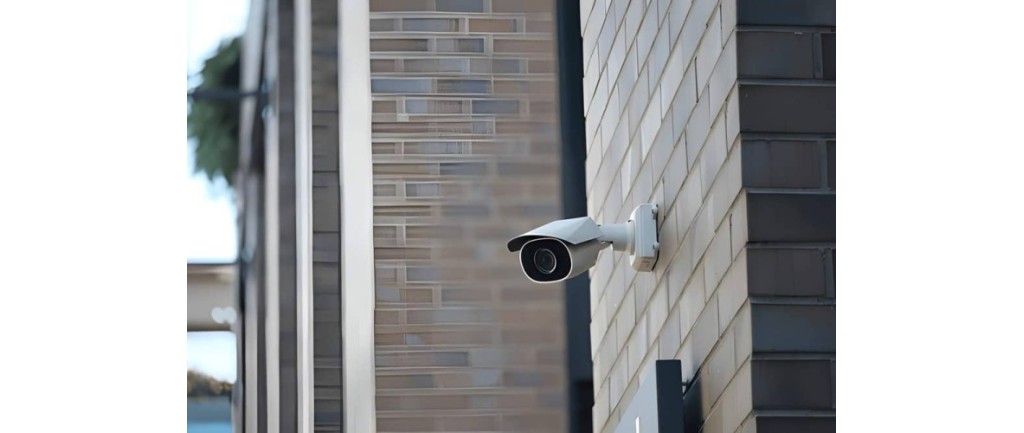
Nothing kills your confidence in a security system faster than false alarms. The dog trips the sensor at 2am or a curtain moves in the breeze of your air conditioning, and suddenly you’re second-guessing every alert, or worse, ignoring them altogether like the boy who cried wolf.
That’s not just annoying, it’s dangerous. A system you don’t trust is a system that won’t protect you when it counts. The good news? Most false alarms come down to a handful of fixable issues: pets, poor sensor placement, or settings that haven’t been tuned to your home.
In this guide, we’ll walk through how to spot what’s triggering your alarm, how to adjust for pets and everyday movement, and when it’s worth calling in a professional to get your security alarm installation in Melbourne set up right.
Why False Alarms Happen (And Why They Matter)
A false alarm with your security system happens when something triggers an alert in the absence of a genuine threat.
The system thinks something is a threat and alerts you. it doesn’t matter if you’re running a basic setup or a full security system in Melbourne with cameras and monitoring, the same triggers apply.
Human Error
These are issues that a human either causes or can take care of easily.
Cameras that are directed at authorised access routes are a human error. You don’t need to monitor places where you expect people or vehicles to be. Or if you do, you need to let the system know that such vehicles, or people, will be there. You can move the camera to look at unauthorised areas instead.
Vegetation that is growing in front of a camera can be counted as human error. To be fair, it might not have been there to begin with, and may have grown into shot over time. However, the wind moves the trees, or birds or possums are climbing in the branches, and the movement sets off a false alarm. You can go trim the vegetation away from the camera view.
Poor installation can set off a false alarm. If the bracket is vibrating and making noise, such as in high winds or movement around the camera, this can set off the alarms. Try to make the installation firmer and more secure so the camera isn’t vibrating and shaking in its bracket.
You can set up exclusion zones, such as the authorised access routes mentioned above. This means anything that moves or appears in these zones won’t set off the alarm. Some people don’t do this, or they set the exclusion zone to the wrong area.
Equipment Error
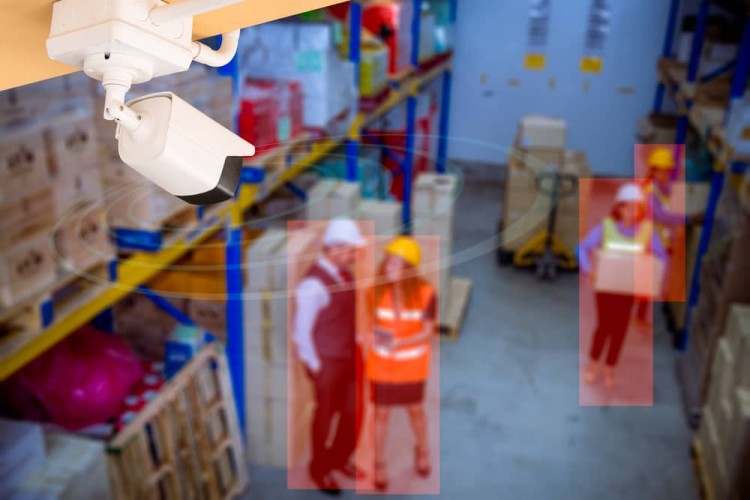
Some cheaper models of security cameras may have poor software. Perhaps it can’t do licence plate checking or vehicle type checking, and just registers everything as a ‘vehicle’. Any time a truck, car or van appears, the alarm gets triggered.
There may be issues with motion detection. The camera system may question itself on what constitutes threatening motion and tag everything that moves as a threat. A good system can recognise when someone is just walking normally, or someone is running, which could be seen as unusual and worthy of note.
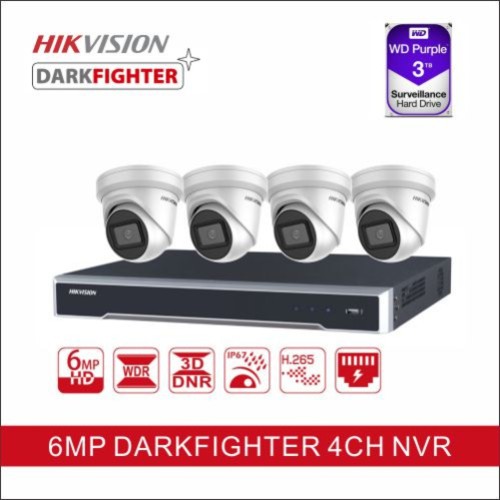
That’s why we only install trusted, proven brands like Hikvision, a global leader in security technology known for accurate motion detection and reliable performance in Australian conditions. Investing in quality equipment from the outset means fewer false alarms and far less hassle down the track.
Environmental Errors
Environmental errors include both animals and weather conditions. Rain, fog, snow and other extreme weather events can obscure a camera’s vision. This can cause some false reports because the camera cannot clearly determine what is in view.
Sometimes lightning can set off an alarm. Sudden changes in light, such as the flash of headlights, can also trigger a false alarm. And that same storm, moving vegetation vigorously in unpredictable ways, can also trigger a false alarm.
Animals are notorious for causing them. This includes spiders spinning webs in front of the camera to catch the insects attracted by the light and sound of a camera; birds perching on the cameras and sometimes looking into the lens; cats and dogs running through unauthorised zones; possums climbing trees or onto the roof and disturbing the camera.
Floating balloons, leftovers from kids’ parties, drifting through the camera’s cover zone, can even set off the alarms.
These issues that set off false alarms, for the most part, can be mitigated. Now let’s look at solutions to false alarms, how to mount and set your CCTV systems, to minimise any wrong incident reports.
Pet-Friendly Sensor Settings for Melbourne Homes
Some systems work with image recognition, while other solutions include angling the cameras away from play zones, or areas where they like to climb. Adjusting camera height and adjusting the weight threshold are also solutions to having pets set off a false alarm.
- > Mounting Height: Place sensors high on the wall so the detection cone looks over lower floor activity while still catching human movement at chest or head level.
- > Weight Thresholds: Select the correct sensor rating for your animal. Standard options handle pets up to 15–20 kg, while heavy-duty or dual-tech models, like the Bosch Blue Line or Paradox systems we install across Melbourne, can manage pets up to 40–45 kg.
- > Climbing and Jump Zones: Angle lenses away from stairways, armchairs, cat trees, or window ledges where your pet can climb and get close to the sensor.
- > Clear Pathways: Avoid pointing fields of view directly at pet feeding stations, sleeping rugs, or active corridors.
- > Multi-Pet Awareness: Keep in mind that multiple active pets playing together register a combined body heat and size that can trigger standard pet immunity limits. So despite all your best efforts, pets can, and will, find a way to trigger the alarm.
Getting Sensor Placement Right
Sometimes just the correct placement of a sensor or CCTV unit can reduce the number of false reports you receive. A good height and a wide angle of view can often lower those numbers.
Best Indoor Motion Sensor Heights and Spots
- > Height: Place sensors about 1.8–2.4 metres (6–8 feet) off the ground. This height catches human movement while ignoring small pets.
- > Corners: Mount units in high room corners to give the device a wide, clear field of view.
- > Hallways: Position sensors along main paths where a person must walk across the field of view rather than straight toward it.
- > Keep away from heat. Don’t install sensors or cameras close to heaters, air vents or fireplaces, and avoid direct sunlight. It will diminish the ability of your sensors to work, and heat changes can cause false alarms.
- > Face away from windows. Not only can reflected light set off infrared sensors and disrupt normal detection, but movement outside the window can trigger it too.
- > Don’t place low. Lower placement on walls creates blind spots and reduces the field of view. It also makes it easier to tamper with the sensors.
Adjusting Sensitivity and Delay Settings
Adjusting the settings with your sensors can dramatically reduce the number of false positives. How finely you can tune this will depend on the system you have.
Adjusting Motion Sensor Lights
- > Sensitivity: Adjust to increase the detection distance and responsiveness, or to decrease it and avoid triggers from small animals or nearby traffic. Test which setting works best for your security situation.
- > Time Delay (Duration): Adjust the time dial to keep the lights on longer after activation (ranging from 1 to 15+ minutes), or adjust it the other way to shorten the duration.
- > Lux/Light Level: Set the ambient light threshold so the sensor only activates in the dark rather than during twilight or daytime.
Adjusting Alarm Entry and Exit Delays
- > Entry Delay: Lengthen this timer if you need more time to reach the keypad and disarm your system upon entering.
- > Exit Delay: Increase this duration if you need extra time to exit the premises safely before the system arms.
- > Sensor Sensitivity: Lower digital sensitivity levels via your security app or recorder interface if environmental factors like pets or swaying branches cause false alarms.
When to Call in a Professional (Security Alarm Installation Melbourne)
We always recommend calling in one of our licensed security technicians for any complex wiring or insurance-compliant back-to-base monitoring.
- > If you have a new system for your home, with sensors, CCTV and access control points, a professional can help find the optimal coverage and vantage points, and help set up the system to recognise pets and more.
- Some home insurance policies require that any security system be installed by a licensed professional and have 24/7 back-to-base monitoring.
- If you have consistent false alarms or repeated flat battery incidents, you should get a licensed technician in to check for faults or to set up your system to stop the false reports.
Get a Reliable Security System Set Up Right the First Time
False alarms are more than just annoying, they train you to ignore the one alert that actually matters. A system that cries wolf often enough is a system you’ll eventually stop trusting, and that’s exactly when it fails you.
The fixes are usually simple: the right sensor height, the correct weight threshold for your pets, and settings tuned to your property rather than left on factory defaults. But if you’ve made these adjustments and you’re still getting hit with false triggers, or you’re setting up a new system and want it right from day one, that’s a job for a licensed professional.
We’ve been installing and fine-tuning security alarms across Melbourne for over 30 years. From new security alarms in Melbourne to fine-tuning an existing system, our technicians will make sure your setup protects you, not annoys you.
Get a quote or call 1300 130 115 to talk to our team today.
